
Why Every Melbourne Business Should Use a Password Manager
- Lance Djordjevic
- Aug 5
- 4 min read

Passwords are still the first line of defence for most business systems.
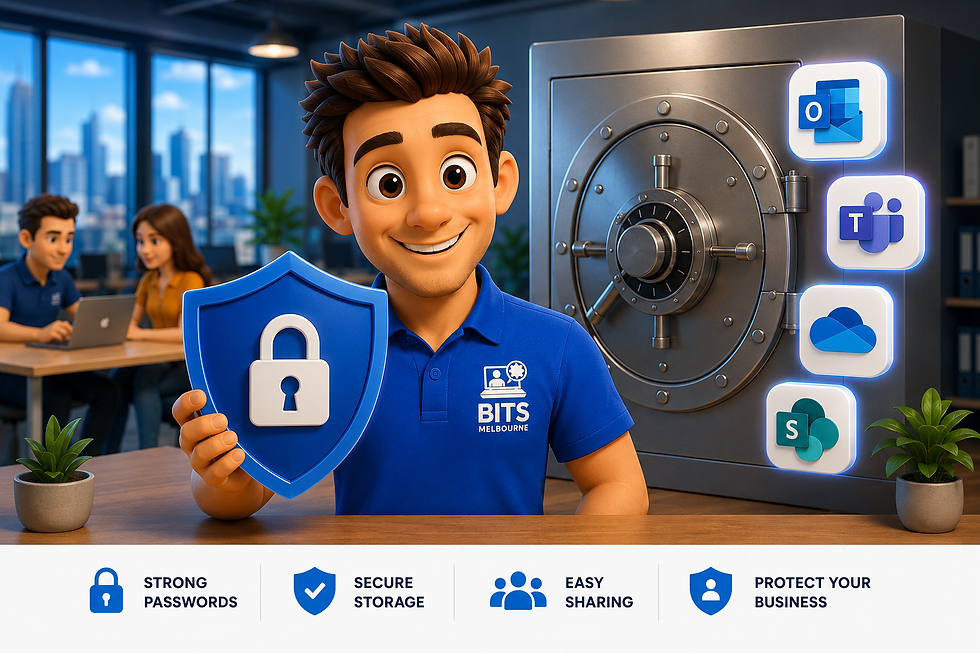
From Microsoft 365 and accounting software to banking platforms, cloud storage and remote access, passwords protect almost every part of your business.
Unfortunately, they're also one of the weakest points in many organisations.
At BITS Melbourne, we regularly see businesses relying on shared spreadsheets, notebooks, sticky notes or reused passwords to manage sensitive accounts. While these methods might seem convenient, they create unnecessary cyber security risks that can leave a business vulnerable to attack.
As part of our Business IT Support and Managed IT Services, we help Melbourne businesses implement secure password management solutions that protect critical business accounts while making everyday work easier.
Why Passwords Are Still One of the Biggest Cyber Security Risks
Cyber criminals don't always need sophisticated hacking tools.
Quite often, they simply log in using stolen usernames and passwords.
Passwords become compromised through:
Phishing emails
Password reuse
Weak passwords
Previous data breaches
Malware
Social engineering
Once an attacker gains access to one account, they often attempt to move throughout your business systems.
This is exactly how many Business Email Compromise attacks begin.
If you haven't already, we recently published a case study explaining how we helped protect a Melbourne business after an email compromise.
Common Password Mistakes Businesses Make
Many businesses unintentionally create security risks by:
Using the same password for multiple systems
Sharing passwords through email or Microsoft Teams
Saving passwords in Excel spreadsheets
Writing passwords on sticky notes
Never changing compromised passwords
Allowing former employees to retain access
These habits are far more common than many business owners realise.

Hey Melbourne! What Is a Business Password Manager?
A business password manager securely stores all of your business passwords inside an encrypted digital vault.
Instead of remembering dozens of complex passwords, employees only need to remember a single master password.
Modern password managers also allow businesses to:
Generate unique passwords
Store secure notes
Save payment information
Share passwords securely
Monitor for compromised credentials
Enable secure access across multiple devices
Many password managers also integrate seamlessly with Microsoft 365.

Password Managers Work Best with Multi-Factor Authentication
A password manager is incredibly powerful on its own.
However, it's even more effective when combined with Multi-Factor Authentication (MFA).
MFA requires users to verify their identity using a second factor such as:
Microsoft Authenticator
Fingerprint
Face ID
Verification code
Even if someone steals your password, they still can't access your account without the second verification step.
We recently explained why every Melbourne business should enable MFA for Microsoft 365.

Strong Passwords Alone Aren't Enough
Even strong passwords can't protect against every threat.
Businesses also need to consider:
Accidental deletion
Ransomware
Insider threats
Data corruption
Compromised Microsoft 365 accounts
That's why password security should always be combined with a proper backup strategy.
We recently covered why Microsoft 365 should never be considered your only backup.
Easier Employee Onboarding and Offboarding
Employee onboarding becomes much simpler when passwords are centrally managed.
New employees can receive secure access to business systems without passwords being emailed or written down.
When an employee leaves, access can be removed immediately.
This greatly reduces the risk of former staff retaining access to business systems.
We also discussed why secure onboarding and offboarding plays a critical role in business cyber security.

Password Managers Improve Productivity
A password manager isn't just about security.
It also helps employees:
Log in faster
Stop resetting forgotten passwords
Securely share credentials
Access systems from multiple devices
Reduce interruptions throughout the workday
For growing businesses, these small time savings can quickly add up.
Password Managers Are Just One Layer of Cyber Security
Cyber security works best when multiple protective layers are combined.
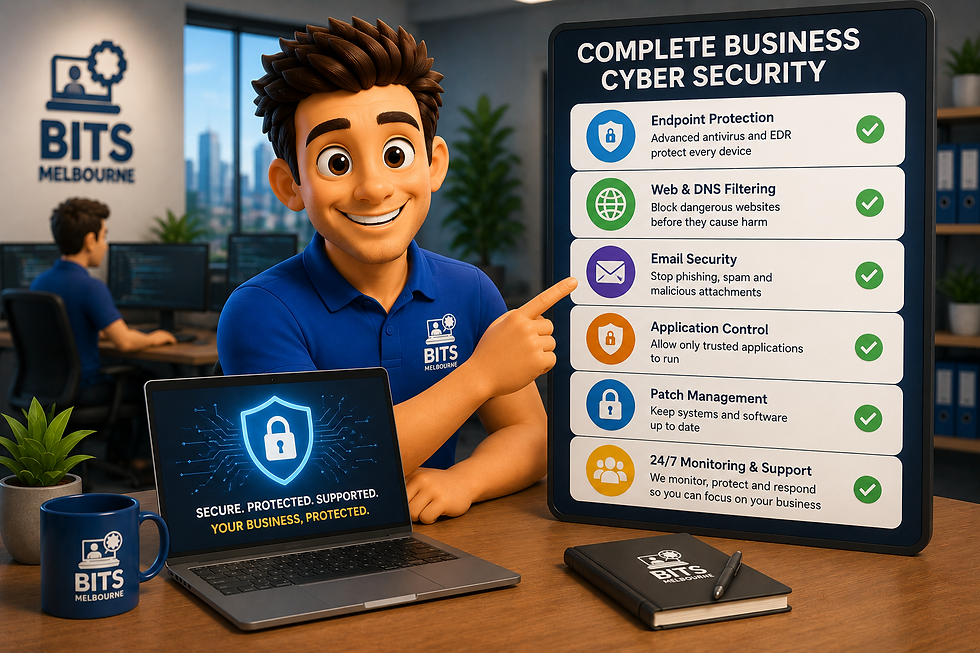
At BITS Melbourne, our Managed IT Services combine password management with:
Microsoft 365 Backups
Multi-Factor Authentication
DNS Filtering
Endpoint Protection
Email Security
Proactive Monitoring
Patch Management
Business Continuity Planning
Each layer helps reduce risk while improving the resilience of your business.
If you're looking to improve your overall cyber security strategy, our Cyber Security Services page explains how we help Melbourne businesses stay protected.
Protect Your Business Before Passwords Become a Problem
Weak password practices remain one of the leading causes of business cyber attacks.
Implementing a business password manager is a simple but highly effective way to improve security while making password management easier for your team.
If you're unsure whether your current password management practices are secure, BITS Melbourne offers a Free IT Assessment where we'll review your current IT environment, identify security risks and provide practical recommendations tailored to your business.


Comments